











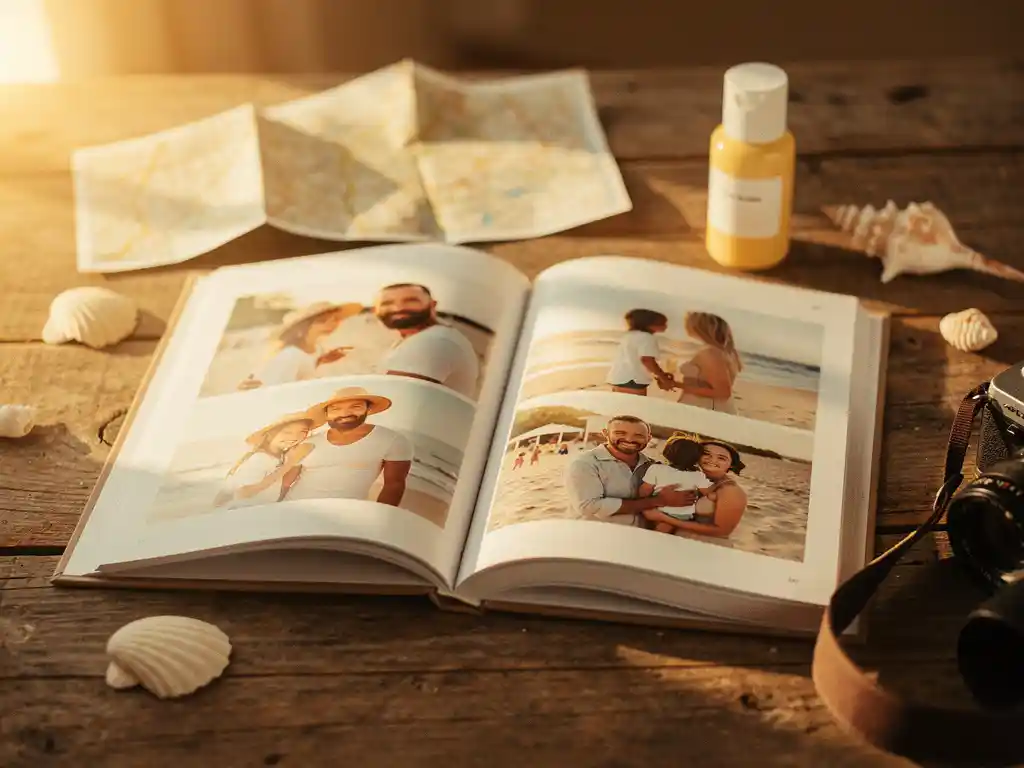
To document a family vacation well, combine intentional photo-taking during the trip with a clear organization system and a plan to preserve the memories afterward. The most effective approach is not about taking more photos — it is about capturing the right moments, keeping them organized as you go, and turning them into something tangible once you are home. The questions below walk through each stage, from snapping the first shot to creating a finished keepsake.
What’s the best way to capture photos during a family trip?
The best way to capture photos during a family trip is to shoot a mix of planned and spontaneous moments — landmarks, candid interactions, meals, and the small in-between scenes that often become the most treasured memories. Aim for variety in perspective and subject rather than volume, and prioritize presence over perfection.
A few practical habits make a big difference on the road:
- Start early in the day. Morning light is flattering, locations are less crowded, and energy is high — ideal conditions for natural, relaxed family photos.
- Capture the details. The menu at a local restaurant, a child’s sandy feet, a handwritten sign at a market — these small details anchor the memory of a place more powerfully than yet another wide shot of a famous monument.
- Include everyone. It is easy to default to photographing children or scenic views. Make a conscious effort to include every family member, including the person who usually holds the camera.
- Shoot bursts for movement. Kids rarely stay still. Using burst mode or continuous shooting gives you a much better chance of capturing a genuine expression rather than a blur.
- Document the journey, not just the destination. Airport waits, road trip snacks, hotel room chaos — these become surprisingly meaningful over time.
Resist the urge to review and delete photos while you are still traveling. Culling on a small screen under variable lighting leads to mistakes. Save that process for when you are back home with more time and a clearer eye.
How do you keep vacation photos organized while traveling?
The simplest way to keep vacation photos organized while traveling is to create a consistent folder or album structure from day one, sorted by date or location, and stick to it throughout the trip. Doing a quick five-minute sort at the end of each day prevents a chaotic pile-up of hundreds of unsorted images by the time you get home.
Here are the approaches that work best in practice:
- Use your phone’s built-in albums. Create a new album for the trip before you leave and add photos to it each evening. Most phones allow you to name albums by destination or date.
- Back up to cloud storage daily. Services like Google Photos, Dropbox, or iCloud sync automatically when connected to Wi-Fi. This protects your photos from a lost or damaged device and keeps them accessible from anywhere.
- Tag locations as you go. Enabling location services on your camera app means every photo is automatically geotagged, making it easy to sort by destination later.
- Keep family photos in one shared place. If multiple family members are taking photos on different devices, agree on a shared album or folder from the start. This avoids the frustrating situation of realizing after the trip that the best shots are scattered across three phones.
Even a loose system applied consistently beats a perfect system applied inconsistently. The goal is simply to avoid arriving home with thousands of unsorted images and no idea where anything is.
What should you do with family vacation photos after you get home?
After a family vacation, the most important thing to do with your photos is to review, select, and preserve them while the memories are still fresh. The longer you wait, the less likely you are to do anything meaningful with them — and the harder it becomes to remember the context behind each shot.
A straightforward post-trip workflow helps:
- Do a first pass cull. Go through everything and delete obvious failures — blurry shots, accidental captures, near-identical duplicates. You do not need to be ruthless, just remove the clear rejects.
- Select your favorites. From what remains, identify the 30 to 60 photos that best tell the story of the trip. These are your keepers — the ones with genuine emotional or narrative value.
- Back up properly. Make sure your final selection exists in at least two places — ideally both a cloud service and a local hard drive. Photos stored only on a phone are one accident away from being lost permanently.
- Share with family members. Send a curated selection to grandparents, relatives, or anyone who was part of the trip. A shared album or a simple message with a handful of great shots keeps the memory alive for everyone.
- Create something lasting. Digital photos fade into the background of an ever-growing camera roll. Printing them — whether as a photo book, a poster, or individual prints — gives them a permanent home where they will actually be seen and enjoyed.
How do you turn family vacation photos into a photo book?
To turn family vacation photos into a photo book, you select the photos from your trip, choose a layout or platform to arrange them, and send the finished design to print. The traditional approach involves manually uploading images, choosing layouts page by page, and writing captions — a process that can take hours. AI-powered platforms have made this significantly faster.
The general process works like this:
- Gather your photos in one place. Pull together the best images from your phone, social media, or cloud storage before you start. Having everything in one location makes the process much smoother.
- Choose a format and size. Think about how the book will be used. A compact A5 soft cover works well for a personal keepsake; a larger A4 hardcover makes a stronger impression as a photo book gift for a grandparent or family member who was on the trip.
- Select a date range or album. If you are using an AI-based platform, selecting the trip’s date range is often all you need to do. The system handles image quality analysis, duplicate removal, and layout design automatically.
- Review and approve. Even with automated tools, spend a few minutes reviewing the result. Swap out any image that does not feel right and check that the sequence tells the story in the order you want.
- Order and ship. Most online photo book services print and ship within a few days. Ordering promptly after the trip means the book arrives while the holiday feeling is still fresh.
What details make a family vacation photo book worth keeping?
A family vacation photo book becomes genuinely worth keeping when it captures the texture of the trip, not just its highlights. The photos that hold the most emotional value over time are rarely the posed ones at famous landmarks — they are the candid moments, the small details, and the scenes that would otherwise be forgotten entirely.
A few elements consistently elevate a vacation photo book from a simple collection of images to a meaningful keepsake:
- Captions with context. A short note beneath a photo — the name of a restaurant, a funny thing a child said, the story behind a spontaneous detour — transforms a picture into a memory. Dates and locations anchor the narrative.
- A mix of scales. Wide landscape shots establish the setting; mid-range group photos capture togetherness; close-up details add intimacy. A book with only one type of shot feels flat.
- Honest, unposed moments. Laughing at something that went wrong, a child falling asleep in an unusual place, a shared meal that was nothing special but felt perfect — these are the images families return to most.
- A clear beginning and end. Structuring the book chronologically, from departure to return, gives it a natural narrative arc that makes it satisfying to read from cover to cover.
- Print quality that lasts. A book printed on high-quality, durable paper will still look good in twenty years. This matters especially for a memorable gift intended to be passed down or displayed.
The most enduring vacation photo books are the ones that feel personal rather than polished. They do not need to be perfect — they need to feel true to the trip.
How PastBook helps you preserve vacation memories
We built PastBook specifically for moments like this: you are back from a family trip, your camera roll is full, and you want to do something meaningful with those photos before the holiday feeling fades. Our AI-powered platform takes the effort out of the entire process so that the memory gets preserved rather than buried.
Here is what we handle for you:
- Automatic photo selection. Our AI analyzes image quality, removes duplicates, and picks the best shots from your chosen date range or album — no manual sorting required.
- Instant layout design. In under 60 seconds, your photos are arranged into a beautifully designed book with smart page groupings and curated layouts.
- Flexible import options. Pull photos directly from your phone, Instagram, Facebook, Google Drive, or Dropbox — wherever your travel photos ended up.
- Premium print formats. Choose from soft cover, hardcover, or premium hardcover, in A4 or A5 sizes, printed on FSC-certified paper and shipped worldwide.
- Collaborative albums. Traveling with extended family? Friends and relatives can contribute their own photos to a shared album, so every perspective from the trip ends up in one book.
Whether you are creating a personal keepsake or looking for a gift for vacation memories, PastBook makes it easy to go from scattered photos to a finished, printed book in minutes. Start your family vacation photo book today and turn this year’s trip into something you will keep for life.