











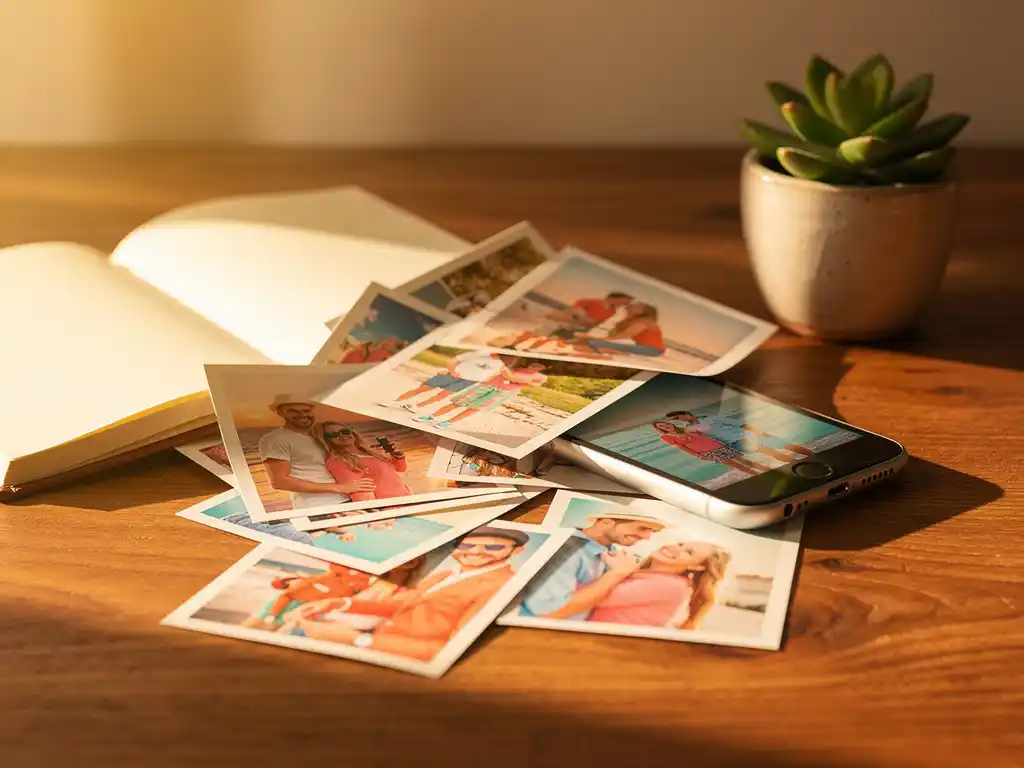
The best thing to do with all your vacation photos is to sort, organize, and preserve them before the post-trip buzz fades. Most travelers return home with hundreds of images spread across multiple devices and apps, which makes the collection feel impossible to tackle. This guide walks through the most practical steps, from sorting and organizing to printing and turning your photos into something you will actually enjoy for years.
How do you sort through hundreds of vacation photos without getting overwhelmed?
Start by setting a time limit and working in short sessions rather than trying to tackle everything at once. Open your camera roll or photo app, filter by the trip dates, and do a single pass to delete obvious duplicates, blurry shots, and accidental taps. Removing the clear rejects first cuts the pile down dramatically and makes the remaining decisions much easier.
The key is not to aim for perfection on the first pass. Give yourself permission to keep a generous selection at first, then narrow it down in a second round. Grouping photos by day or location also helps break a large collection into smaller, more manageable batches. When you are working with 400 photos from a two-week trip, reviewing 30 photos from a single afternoon feels far less daunting than staring at the full album.
What are the best ways to organize travel photos after a trip?
The most effective way to organize travel photos is to sort them chronologically and then group them by location or activity. This mirrors the natural narrative of a trip and makes it easy to find specific moments later. Most photo apps, including Google Photos and Apple Photos, already sort by date, so the structure is partially in place the moment you import your images.
A few practical approaches that work well:
- Create named albums or folders for each destination or day, such as “Barcelona Day 1” or “Amalfi Coast Hike”
- Use location tags where your app supports them to group photos automatically by place
- Star or favorite your top 10 to 20 shots from each day so you always know where the highlights are
- Back up to at least two places, such as cloud storage and an external drive, so nothing is lost if a device fails
The sooner you do this after the trip, the easier it is. Memories are still fresh, so you can remember which blurry photo was actually the best moment of the day and keep it, or which technically perfect shot has no emotional meaning and can go.
Should you print your vacation photos or keep them digital?
You should do both, but printing at least a curated selection is well worth it. Digital photos are convenient, but they are also easy to forget. A photo buried in a cloud folder rarely gets revisited, while a printed photo book becomes part of your home and gets looked at regularly. Physical prints also protect your memories against platform changes, account issues, or lost devices.
That said, keeping a digital archive is equally important for preservation and sharing. The practical answer is to maintain a well-organized digital library as your master archive and use prints for the moments that matter most. A family holiday, a milestone trip, or a honeymoon all deserve something more permanent than a folder on your phone.
What can you make with your vacation photos?
Vacation photos can be turned into meaningful products beyond standard prints. Two of the most popular options are photo books and wall calendars. Each suits a different purpose, from keeping the whole story of a trip to giving a memorable gift to someone who shared it with you.
Here are some of the most popular things people create with their travel photos:
- Photo books that tell the full story of a trip in chronological order
- Wall calendars using 12 of your best travel shots, one for each month
- Shared books where friends or family who joined the trip can all contribute their photos
A photo book makes a particularly strong photo book gift for travel companions, parents, or anyone who was part of the journey. It looks like something that took hours to put together, even when it did not.
How do you turn vacation photos into a photo book quickly?
The quickest way to turn vacation photos into a photo book is to use an app that does the layout for you. Instead of manually dragging and dropping hundreds of photos into a template, you choose the photos for your trip, or let the app help you find them by date range, location, or album. The app then arranges them into a book. You stay in control of what goes in.
If you are doing it manually, the process typically involves these steps:
- Select and export your best photos from the trip
- Choose a photo book format and size
- Upload your images to a book creation platform
- Arrange photos into page layouts and add captions if desired
- Review the design and place your order
Manual creation gives you full control but can take several hours. App-assisted tools cut that time while still letting you swap photos, remove pages, change the cover, and add captions before you order. For travelers who want to preserve their vacation memories without spending an evening at a computer, the app route is an easy win.
When is the best time to create a photo book from your trip?
The best time to create a photo book from a trip is within the first two to four weeks of returning home. The emotional connection to the experience is still strong, which means you will make better decisions about which photos to include and which moments actually mattered. Waiting too long often means the project never gets done at all.
There are also a few natural windows that motivate people to finally revisit their travel photos:
- Right after returning, while the trip is still vivid and you remember the stories behind each photo
- Around the holidays, when a travel photo book makes a thoughtful and personal gift
- At the new year, when the impulse to look back and reflect on the past 12 months is strongest
- Before a related trip, such as revisiting a destination or planning a family reunion
If you have older trips sitting in a folder untouched, any time is still better than never. The photos exist, the memories are there, and the only thing standing between a forgotten folder and a beautiful keepsake is starting.
How PastBook helps you preserve your vacation memories
We built PastBook so you can turn the photos on your phone into a finished, printed photo book in minutes, with no design skills needed. In the PastBook app, you pick your own photos, or let the app help you find them by trip, date range, location, or album. The app then lays them out into a book for you.
Here is what you get when you create a photo book with us:
- Easy photo selection from your phone’s camera roll on iOS or Android, by trip, date range, location, or album
- Edits before you order, including swapping or adding photos, removing pages, changing the cover, and adding captions
- Hardcover photo books in two landscape sizes: Small (8.5″ × 6″, A5) and Large (12″ × 8.5″, A4)
- FSC-certified paper and recyclable packaging, printed by a local printing partner and shipped to you
- Contribution feature so friends and family can add their own photos to the same book
Whether you want to relive a solo adventure, document a family holiday, or create a memorable photo book gift for someone who shared the trip, we make it simple. Start your photo book today and turn your vacation memories into something you will want to keep on your shelf for years.