







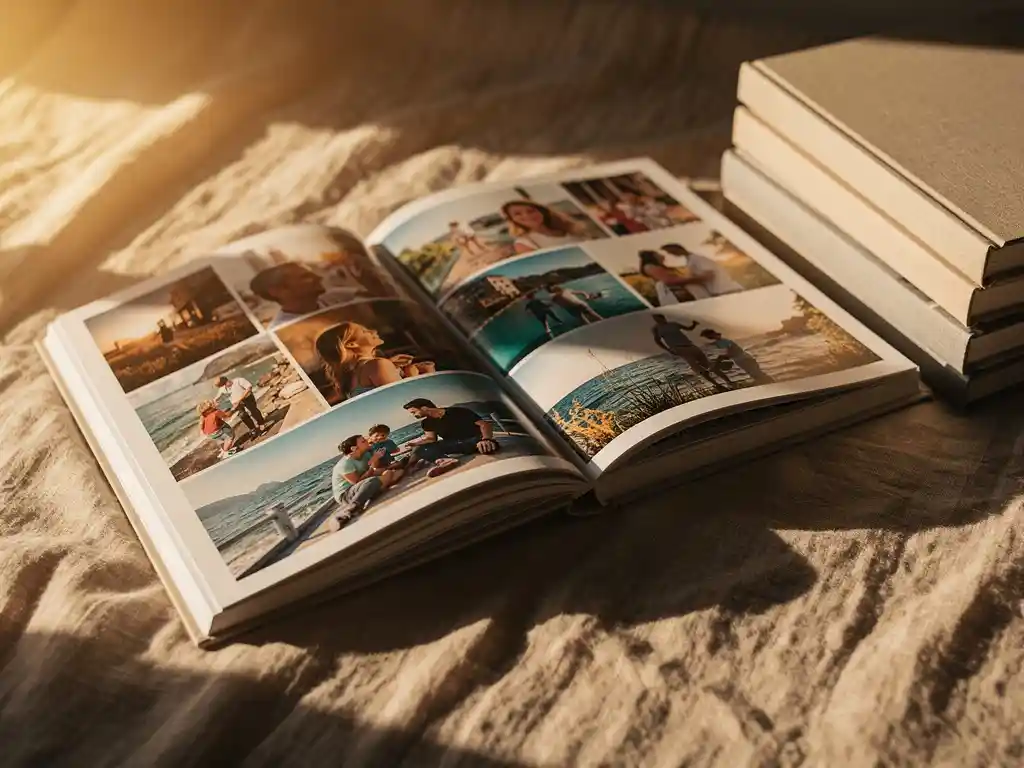
A photobook typically works best with 50 to 150 photos, depending on its size, page count, and purpose. Fewer than 30 photos can leave a book feeling sparse, while cramming in hundreds risks making it feel cluttered and hard to enjoy. The sweet spot is enough photos to tell a complete story without overwhelming the reader on every page.
Too many photos are quietly ruining your photobook
When you include every shot from an event or trip, the photos that actually matter get lost. Blurry duplicates, near-identical frames, and filler images dilute the emotional weight of the ones worth keeping. The result is a book that feels like a data dump rather than a collection of memories. The fix is ruthless curation: for every 10 photos you consider, aim to keep three or four. Prioritise variety in subject, mood, and composition rather than trying to document every moment chronologically.
Not having enough photos is holding back a finished photobook
Many people sit on hundreds of photos but never create a Fotobuch because the selection process feels overwhelming. The barrier is not the number of photos you have; it is the time and effort required to go through them all. Setting a clear scope before you start—whether that is a specific trip, a single year, or one event—gives you a natural boundary that makes the task manageable. A focused, well-curated book of 60 photos will always feel more satisfying than a sprawling, unfinished project with 400.
Does the size of the photobook affect how many photos you need?
Yes, the physical size of a photobook directly affects how many photos it can hold comfortably. A larger format, such as an A4 or 30 × 30 cm square book, has more page real estate, so photos can breathe at larger sizes or sit alongside other photos without feeling cramped. A smaller format, like a 15 × 15 cm book, works better with fewer, carefully chosen images per page.
As a general guide, a small photobook tends to work well with 30 to 60 photos, a medium book suits 60 to 100 photos, and a large-format book can comfortably hold 100 to 200 photos across its pages. These are not hard rules, but they reflect what tends to look balanced and readable in print.
Keep in mind that print resolution also plays a role. A photo that looks sharp on a phone screen can appear soft or pixelated when printed large. Larger book sizes need higher-resolution images to maintain quality, so if you are working with older or compressed photos, a smaller format may actually produce better results.
How many photos per page is ideal for a photobook?
For most photobooks, one to four photos per page is the ideal range. A single full-page photo creates impact and works well for standout moments. Two to four photos per page suits storytelling spreads where you want to show context, detail, or a sequence of moments. Going beyond six photos per page tends to make each image too small to appreciate in print.
The right number per page also depends on what the photos are showing. Landscape shots and group photos benefit from more space, while a collection of detail shots or candid moments can work well together in a tighter grid layout. Mixing single-photo pages with multi-photo layouts throughout the book creates visual variety that keeps the reader engaged.
For pages that feel particularly important, such as the opening spread, a milestone moment, or the final page, consider giving one photo the full page. These anchor points give the book rhythm and make the key memories stand out.
What’s the minimum number of photos needed to make a photobook?
Most photobook services require a minimum of around 20 to 25 photos to create a complete book, though the actual minimum varies by provider and book size. Practically speaking, fewer than 30 photos will limit your layout options and may result in a book that feels thin or incomplete, especially if you want more than a handful of pages.
A custom photo book with 30 to 40 photos is entirely workable if the photos are strong and varied. This kind of compact book suits a short trip, a single event like a birthday party, or a focused theme such as a newborn’s first week. The key is that every photo earns its place. When you are working with a small collection, there is no room for filler.
If you are genuinely short on photos, consider whether you can supplement with screenshots, scanned prints, or photos from others who were present at the same event. Collaborative albums, where friends and family contribute their own shots, are a practical way to build a richer collection without relying on a single camera roll.
How many photos should a photobook have for different occasions?
The right number of photos varies by occasion. A holiday photobook works well with 60 to 120 photos across multiple destinations and days. A wedding album typically includes 80 to 150 photos to cover the full day. A baby’s first-year book suits 80 to 200 photos to capture milestones across twelve months. A birthday or party book can feel complete with just 30 to 60 photos.
For travel photobooks, the goal is to capture the arc of the trip: arrival, key locations, food, people, and the journey home. Aim for variety across these moments rather than clustering too many photos around a single day or activity.
For annual or year-in-review photobooks, a good approach is to aim for roughly eight to 15 photos per month. This gives you a consistent rhythm across the year without any single month dominating the book. If a particular month included a major event, you can allow a few extra pages, but keeping a rough monthly balance helps the book feel like a genuine record of the full year.
For gifting occasions like anniversaries or milestone birthdays, quality matters more than quantity. A carefully chosen set of 40 to 60 meaningful photos will make a stronger impression than a larger book padded with average shots.
How do you choose which photos to include in a photobook?
Start by filtering out the obvious rejects: blurry shots, duplicates, and photos where the lighting or composition simply did not work. From what remains, select photos that tell a story together rather than just documenting moments individually. Prioritise variety in subject, perspective, and mood, and aim for a natural flow from beginning to end.
A practical approach is to sort your photos into three groups:
- Must-include photos: the shots that immediately stand out as keepers. These anchor the book.
- Supporting photos: good images that add context, detail, or variety around the must-includes.
- Maybes: photos you are unsure about. Only pull from this group if you need to fill gaps in the story.
Once you have your selection, look at the overall balance. Check that you have not over-represented one day, one person, or one type of shot. A book that jumps between wide landscape shots, close-up details, candid moments, and group photos will feel far more dynamic than one that repeats the same framing throughout.
If you find the selection process genuinely difficult to start, setting a fixed target number before you begin helps. Decide you want 80 photos, then work backward from that number rather than trying to whittle down an unlimited pile.
How PastBook takes the guesswork out of photo selection
Choosing the right photos and figuring out how many to include is often the part that stops people from ever finishing a photobook. We built PastBook specifically to remove that friction.
- AI-powered curation: Our app automatically scans your camera roll, selects the best shots, and removes duplicates and low-quality images so you are not starting from a pile of hundreds.
- Smart grouping by date, location, or album: Pick a trip, a time period, or a specific album, and the app builds a complete, print-ready layout in under 60 seconds.
- Balanced layouts handled for you: The app arranges photos across pages automatically, so you get a natural mix of single-photo spreads and multi-image layouts without any manual design work.
- Free preview before you order: See exactly how your book will look before committing to print.
- Customisation when you want it: Swap photos, adjust pages, or leave it exactly as the AI arranged it. The choice is yours.
Whether you are creating a travel book, a year in review, or a gift for someone you love, PastBook gives you a beautiful custom photo book without the hours of sorting and designing. Create your photobook with PastBook today and go from camera roll to print-ready in under a minute.