



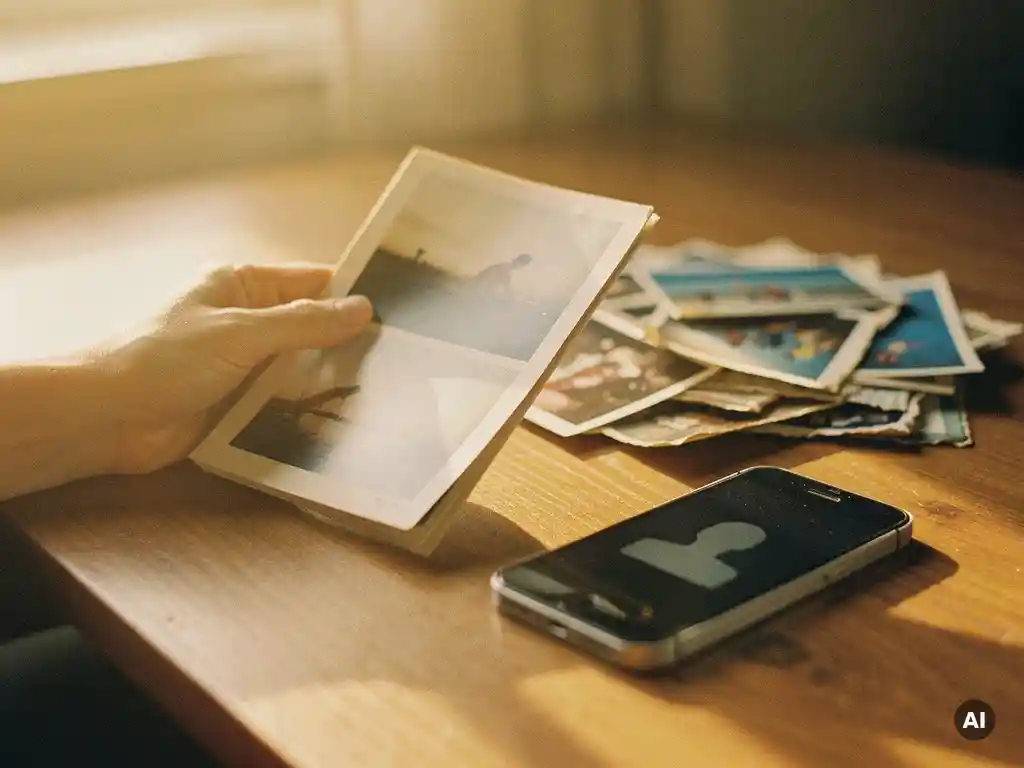
When you delete your Facebook account, you permanently lose access to everything stored on it, your photos, videos, posts, messages, and all associated data. Facebook begins the deletion process immediately and completes it within 30 days, after which recovery is impossible. Before you go through with it, downloading your photos and preserving your memories is essential. This article walks through exactly what disappears, how deactivation differs from deletion, and the best ways to save what matters most.
What actually gets deleted when you close your Facebook account?
Deleting your Facebook account permanently removes your profile, timeline, photos, videos, posts, comments, likes, messages, and any groups or pages you managed. Once Facebook completes the deletion, which takes up to 30 days after your request, none of this content can be retrieved. Your account and everything in it are gone for good.
It is worth understanding the full scope of what Facebook account deletion affects, because it goes beyond just your profile picture and status updates:
- Photos and videos: Every image and video you ever uploaded or were tagged in on your own timeline is deleted. This includes years of family moments, travel snapshots, and milestone events.
- Captions and context: The dates, location tags, and captions attached to your photos, the context that makes memories meaningful, disappear along with the images themselves.
- Conversations: Your side of Messenger conversations is removed, though copies may remain visible to the people you messaged.
- Groups and pages: Any groups or pages you created or administered may be affected, depending on whether other admins exist.
- Login connections: Any apps or websites where you used “Log in with Facebook” will lose their connection to your account.
The sheer volume of memories accumulated over years of Facebook use is easy to underestimate. For many people, their Facebook timeline is the most complete digital record of their adult life, which makes downloading that content before deletion absolutely critical.
What’s the difference between deactivating and deleting a Facebook account?
Deactivating a Facebook account is temporary and fully reversible, your profile is hidden from others, but all your photos, posts, and data remain stored on Facebook’s servers. Deleting a Facebook account is permanent and irreversible, after a 30-day grace period, all your data is removed and cannot be recovered.
Think of deactivation as putting your account on pause. Your profile disappears from search results, friends cannot view your timeline, and you stop appearing in most areas of Facebook. However, the moment you log back in, everything is restored exactly as you left it. Deactivation is the right choice if you want a break from social media but are not ready to commit to leaving permanently.
Deletion, by contrast, is a one-way door. Facebook gives you a 30-day window during which you can cancel the request by simply logging back in. Once those 30 days pass, the process becomes irreversible. Some data, such as messages you sent to others, may remain visible to recipients even after your account is deleted, but your account itself and all content you posted is gone.
If you are unsure which option is right for you, deactivation is always the safer starting point. It gives you time to make sure you have saved everything you want before making the permanent decision.
Can you recover photos after deleting your Facebook account?
No. Once your Facebook account deletion is complete, after the 30-day grace period, your photos cannot be recovered. Facebook does not retain deleted content, and there is no support pathway to restore it. The only way to recover photos after deletion is if you downloaded them before the account was removed.
During the 30-day window between requesting deletion and the process completing, you can still cancel the deletion by logging back into your account. If you do this, all your photos and content will still be there. This grace period is your last opportunity to change course or download anything you missed.
If the 30 days have already passed and the deletion is complete, the photos are gone. Third-party services cannot retrieve them, and Facebook’s support team cannot reverse the process. This is why saving your Facebook photos before deleting your account is not optional, it is the only safeguard you have.
How do you download all your Facebook photos before deleting?
Facebook provides a built-in tool that lets you download a complete copy of your data, including all your photos and videos. The process takes a few steps and may take some time depending on how much content you have stored, but it is straightforward and free.
- Go to Settings: Click your profile picture in the top right corner of Facebook, then select “Settings and Privacy,” followed by “Settings.”
- Find “Your Facebook Information”: In the left-hand menu, click “Your Facebook Information,” then select “Download Your Information.”
- Choose what to include: You can select specific categories of data to download. To save only your photos, select “Photos and Videos.” If you want everything, leave all categories selected.
- Set the date range: You can download your full history or select a specific time period.
- Choose your format and quality: Select HTML or JSON format. For photos, choose “High” quality to ensure the best resolution copies.
- Request the download: Click “Request a Download.” Facebook will prepare your file, this can take anywhere from a few minutes to several hours for large accounts.
- Download the file: Facebook will notify you when the file is ready. You will receive a link to download a ZIP file containing all your selected data.
Once downloaded, store the ZIP file in at least two places, a hard drive and a cloud storage service like Google Drive or Dropbox. Digital files can be lost if a single device fails, so redundancy matters.
What’s the best way to preserve Facebook memories long-term?
The best way to preserve Facebook memories long-term is to combine digital backup with a physical format. Downloading your photos protects them digitally, but a printed photo book ensures your memories survive hard drive failures, cloud service shutdowns, and the inevitable obsolescence of digital formats. Physical prints last for decades and require no technology to enjoy.
Digital files stored on a hard drive or in cloud storage are vulnerable in ways that are easy to overlook. Hard drives fail. Cloud services change their pricing or shut down. File formats become unreadable. A printed photo book, by contrast, sits on a shelf and works perfectly in 30 years without a password or a subscription.
There is also the question of what makes a memory truly preserved. A folder of thousands of downloaded images is technically saved, but practically inaccessible. The photos that get looked at, shared with family, and passed down are the ones that exist in a format people can actually engage with, and that means print.
For anyone with years of Facebook photos, the most meaningful preservation step is turning those memories into something tangible before they are gone forever.
How PastBook helps you preserve your Facebook memories
Those years of photos deserve to be held, not just stored. We built PastBook to make that easy. Our Facebook YearBook turns your own Facebook photos into a printed hardcover photo book, with no design skills needed. You connect your Facebook account, choose a year, and we select photos and lay them out for you. A preview can be ready in about a minute.
- Simple to start: Connect your own Facebook account and choose a year. Only the account owner can connect their account.
- Easy to adjust: Before you order, you can swap or add photos, remove pages, change the cover, and add captions.
- A YearBook for every year: Create a YearBook for each year you have been on Facebook and keep them together as a collection. A PastBook YearBook holds your best photos from one year.
- Your whole Facebook history: A Highlight Book brings together the best photos from all the years you have been on Facebook.
- Printed and shipped to you: Your hardcover book is printed by a local printing partner and shipped to your door. Our books use FSC-certified paper and recyclable packaging.
You can see sizes, prices, and delivery times on our pricing and shipping page. Before you delete your account and lose everything permanently, turn your Facebook memories into something you can hold. Create your Facebook Photo Book today and keep those years of memories safe, printed, and ready to pass down.
Verwandte Artikel
- How do you start birdwatching with a limited budget?
- Wie organisiert man Reiseerinnerungen, ohne sich überfordert zu fühlen?
- Wie lassen sich Reiseerinnerungen nach Jahren am besten wieder aufleben lassen?
- Was ist ein persönliches Geschenk, das aussieht, als hätte es viel Mühe gekostet?
- Wie erstellt man ein Fotobuch als Geschenk zum Muttertag?