










Losing someone is hard enough without having to navigate the digital world they left behind. When a loved one passes away, their Facebook profile doesn’t simply disappear – it remains visible, searchable, and active unless action is taken. Memorialising a deceased person’s Facebook profile is one of the most meaningful steps you can take to honour their memory online, turning their account into a lasting tribute rather than a dormant presence. This article walks through everything you need to know, from making the request to preserving their photos for years to come.
How do you request Facebook to memorialise a deceased person’s profile?
To memorialise a deceased person’s Facebook profile, visit Facebook’s Special Request for Memorialization form and submit proof of death along with your relationship to the person. Facebook reviews the request and, once approved, adds a “Remembering” label to the profile. You do not need to be a Facebook friend to submit the request.
Voici comment le processus fonctionne étape par étape :
- Go to Facebook’s Help Centre and search for “memorialisation request” or navigate directly to the Special Request form.
- Enter the full name of the deceased person as it appears on their profile.
- Provide your relationship to them (family member, friend, colleague).
- Upload proof of death – this is typically an obituary, death certificate, or a news article reporting their passing.
- Submit the form and wait for Facebook’s review team to process it.
Facebook does not publicly share how long the review takes, but most requests are processed within a few days to a couple of weeks. If the person designated a legacy contact before they died, that person can also request memorialisation directly. It is worth noting that Facebook will not share the outcome of the review with anyone other than the legacy contact, if one was assigned.
What happens to a Facebook profile when it’s memorialised?
When a Facebook profile is memorialised, the word “Remembering” appears before the person’s name across the platform. The profile is preserved exactly as the person left it – their photos, posts, and timeline remain visible according to the privacy settings they had in place. No one can log into the account, and Facebook removes it from features like birthday reminders and People You May Know.
A few specific changes take effect immediately upon memorialisation:
- The profile is locked – no one, including Facebook, can alter it without a legacy contact’s permissions.
- Friends and family can still post on the timeline to share memories, depending on the privacy settings.
- The account will no longer appear in friend suggestions or generate automated reminders.
- If a legacy contact was designated, they gain access to certain management tools (covered in the next section).
Memorialisation effectively freezes the account in a respectful state. The profile becomes a place where people can gather to share memories, leave messages, and feel connected to the person they have lost. It is a digital equivalent of a memorial page – permanent, visible, and protected.
What is a Facebook legacy contact and what can they do?
A Facebook legacy contact is a person whom a user designates in advance to manage their memorialised profile after they die. Only the account holder can assign a legacy contact while they are alive, and the contact must be a Facebook friend. Once the account is memorialised, the legacy contact gains a limited but meaningful set of management tools.
A legacy contact can do the following:
- Write a pinned post on the memorialised profile – for example, sharing funeral arrangements or a tribute message.
- Respond to new friend requests from people who knew the deceased.
- Update the profile picture and cover photo.
- Request the removal of the account if the family decides that is the right choice.
- Download a copy of the photos, posts, and other data the deceased person shared on Facebook (only if the account holder enabled this permission before they died).
There are also clear limits to what a legacy contact cannot do. They cannot log into the account, read private messages, remove existing posts or photos, or make changes beyond the permissions listed above. The role is designed to allow gentle stewardship of the profile, not full access to the person’s digital life.
If no legacy contact was assigned, Facebook limits what anyone can do with the memorialised profile, which makes it important to encourage loved ones to set this up in advance.
What’s the difference between memorialising and deleting a Facebook account after death?
The key difference is permanence and purpose. Memorialising preserves the deceased person’s profile as a living tribute – their photos, posts, and timeline remain accessible to friends and family. Deleting the account removes all of that content permanently, with no possibility of recovery. The right choice depends entirely on what the family and the deceased person would have wanted.
Here is how the two options compare:
- Memorialisation keeps the profile visible, locks it from new logins, adds the “Remembering” label, and allows a legacy contact to manage it. It is the default recommendation for most families because it preserves memories and gives people a place to grieve together.
- Deletion permanently removes the account, all photos, all posts, all messages, and all connections. It cannot be undone. Facebook requires proof of death and proof that the requester is an immediate family member or authorised representative.
Many families choose memorialisation because it feels less final and keeps the person’s digital presence intact. Others prefer deletion for privacy reasons, or because the deceased person expressed a clear wish not to have a persistent online presence after death. Neither choice is wrong – what matters is that it reflects the wishes of the person who has passed.
Can you still see a memorialised Facebook profile if you’re not friends?
Whether a non-friend can view a memorialised Facebook profile depends entirely on the privacy settings the account holder had in place before they died. If their posts and profile were set to “Public,” anyone can view them. If they were set to “Friends only,” only confirmed Facebook friends will be able to see the content after memorialisation.
Facebook does not change or override existing privacy settings when a profile is memorialised. The account is preserved as-is, which means the visibility of photos, posts, and the timeline remains exactly as the person configured it. This is an important point for families who want the profile to be accessible to extended family or community members who may not have been Facebook friends.
If you are trying to view a memorialised profile and find it restricted, the legacy contact (if one exists) can accept friend requests on behalf of the account, which would grant access to friends-only content. Outside of that, there is no way to bypass the original privacy settings.
What should you do with a loved one’s Facebook photos after they pass away?
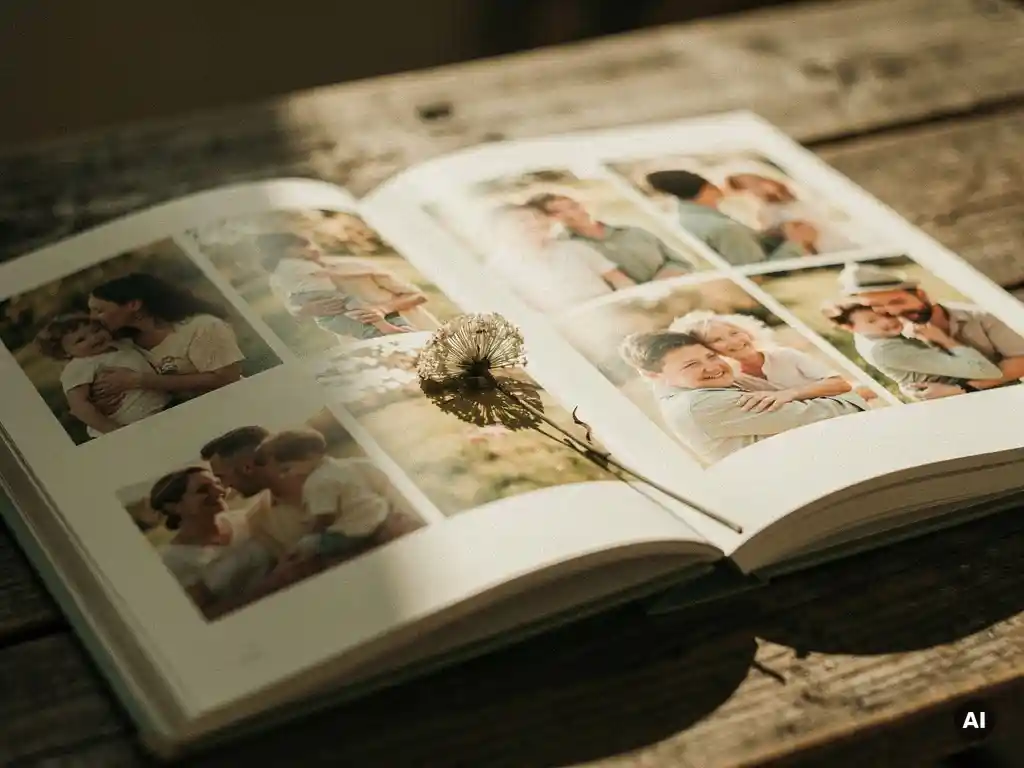
After a loved one passes away, one of the most meaningful things you can do with their Facebook photos is preserve them in a tangible, lasting format. Digital photos are fragile – platforms change, accounts can eventually be removed, and screens fade from daily life. Printing a loved one’s Facebook memories into a physical photo book creates something permanent that family members can hold, share, and pass down for generations.
There are a few practical steps worth taking:
- Download the photos if you have legacy contact access and the account holder enabled the download permission. This gives you a personal archive independent of Facebook’s platform.
- Save important posts and captions – the context around a photo is often as meaningful as the image itself. Captions, dates, and comments tell the story behind the picture.
- Consider a printed photo book as a way to honour their memory and give family members something they can keep. A well-curated photo book from their Facebook timeline becomes a keepsake that outlasts any platform.
The emotional value of a printed collection of someone’s Facebook memories cannot be overstated. Unlike a digital album that requires a device and a login, a physical book sits on a shelf, gets passed around at family gatherings, and carries the weight of a real object. Many families find that creating one becomes part of the grieving process – a way of celebrating a life fully lived.
How PastBook helps you preserve a loved one’s Facebook memories
We at PastBook understand how much a person’s Facebook photos can mean to the people they leave behind. Our platform was built to turn those memories into something lasting and beautiful, with as little effort as possible during what is already a difficult time.
- Curation automatique : Our AI selects the best photos from a chosen year or time period, removes duplicates, and arranges them into a print-ready layout in under 60 seconds.
- Captions and dates included: Facebook captions and timestamps are carried through into the book, preserving the full story behind each photo.
- Printed on premium paper: Every book is printed to a high standard and shipped worldwide, creating a keepsake that lasts.
- Year by year or all at once: Create a book for a single year of their life, or a highlight book spanning their entire time on Facebook.
Preserving a loved one’s memories should not feel like a technical challenge. Create a Facebook photo book with PastBook and turn their timeline into a tribute that your family can hold onto forever.