



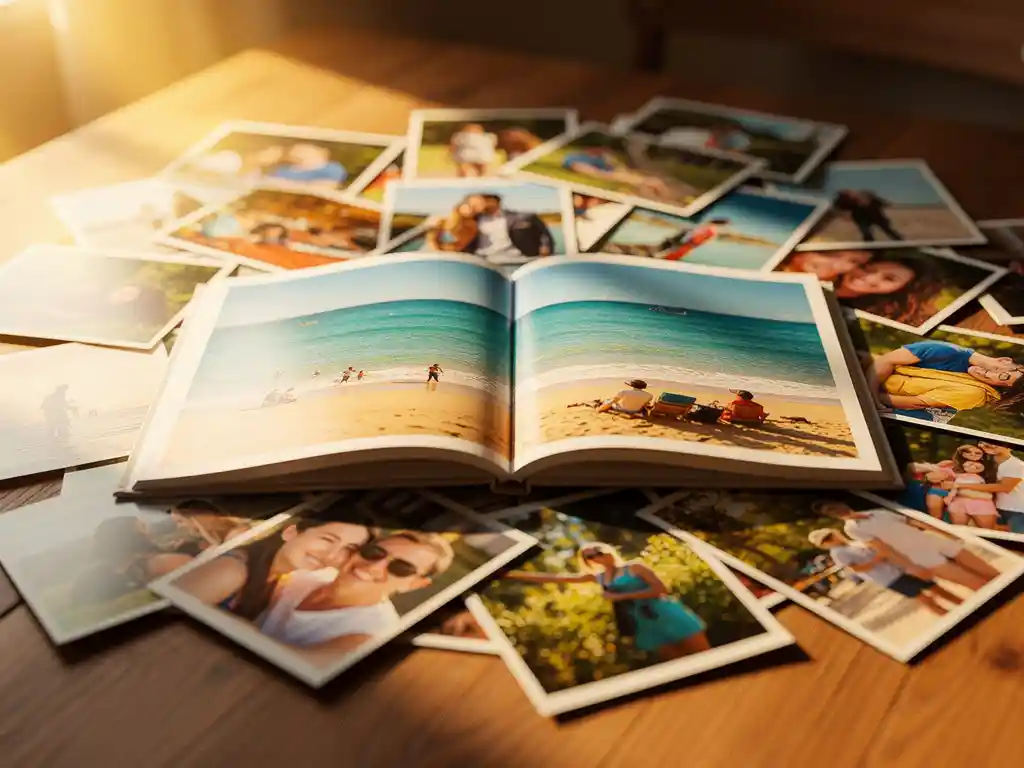
The best thing you can do with hundreds of holiday photos is organize them by trip or date, pick the standout shots, and turn them into something you can hold, like a printed photo book. That way your memories get revisited instead of sitting forgotten on your phone. Most people take far more photos than they need, so the real challenge is not taking photos but doing something meaningful with them afterward. The questions below walk you through how to sort, organize, and transform your travel collection into something you will treasure.
Hoe sorteer je honderden vakantiefoto's zonder gek te worden?
Start with one quick pass to delete the obvious rejects: blurry shots, accidental captures, and near-identical duplicates. Once the clutter is gone, group what remains by day or location rather than trying to review every image one by one. Reviewing in chunks of 20 to 30 photos at a time keeps the process manageable and prevents decision fatigue.
The key mindset shift is to stop trying to keep everything. A good rule of thumb is to aim for roughly five to ten strong photos per day of travel. That might sound ruthless, but it helps you find the images that tell the story of the trip rather than just document every moment. Ask yourself: does this photo capture a feeling, a place, or a person in a way I want to remember? If not, let it go.
Working in short sessions also helps. Trying to sort 800 photos in one sitting is exhausting. Breaking it into 30-minute blocks over a few days makes the whole process feel far less overwhelming, and you will make better decisions when you are not tired.
Wat is de beste manier om reisfoto's te organiseren zodat je ze later ook echt terugvindt?
A reliable system for organizing travel photos is a folder structure based on year, trip name, and location, for example 2026 > Italy > Rome. This approach grows naturally with your collection and makes it easy to find a specific trip without scrolling through thousands of images. Consistent naming from the start saves a lot of time later.
Beyond folders, tagging or labeling photos by location and people helps if your photo app supports it. Most phone photo apps offer location-based albums and facial recognition, which can surface photos from a specific trip or featuring specific people. These tools do a lot of the organizing for you.
Cloud backup is also essential. Keeping photos only on your phone means one lost device wipes out entire trips. Syncing to a cloud service as soon as you return from a holiday keeps your memories safe, whatever happens to your hardware.
Wat kun je naast een digitaal album nog meer maken met vakantiefoto's?
Holiday photos can become physical keepsakes that go far beyond a digital slideshow. Printed photo books are the most popular option because they present a whole trip as one story, but there are other formats worth considering depending on how you want to use or share your images.
- Fotoalbums: A collection of your best travel shots, printed and bound as a hardcover book. It works as a coffee table book or a fotoboek cadeau voor familie en vrienden die de reis hebben gedeeld.
- Fotokalenders: Een praktische optie die je twaalf maanden aan reisherinneringen biedt, waardoor het een handig en persoonlijk item is om te bewaren of cadeau te doen.
Physical products have a clear advantage over digital albums: they get looked at. A photo book on a shelf gets picked up. A folder on a hard drive rarely does.
Hoe verander je vakantiefoto's snel in een fotoboek?
The fastest way to turn holiday photos into a photo book is to use an app that does the layout for you. Instead of arranging every page by hand, you choose your photos, or let the app help you find them by trip, date range, location, or album, and the app lays them out into a book. You stay in control the whole way.
If you are doing it manually through a traditional design tool, the process takes much longer. You would need to import your photos, choose a template, drag and drop images onto pages, adjust layouts, write captions, and proof the whole book before ordering. For a two-week holiday with hundreds of photos, this can easily take several hours across multiple sessions.
The smarter approach is to use a tool that removes the blank-page problem. The more effort a project needs upfront, the more likely you are to put it off. When the tool gives you a complete draft to work from, you are far more likely to finish and order the book while the trip is still fresh. Before you order, you can swap or add photos, remove pages, change the cover, and add captions.
Moet je al je vakantiefoto's afdrukken of alleen de beste?
Print only your best holiday photos. Printing everything is expensive, creates physical clutter, and waters down the story of your trip. A selection of 50 to 150 strong images from a typical holiday tells a far more compelling story than 500 photos that include every meal, every street corner, and every near-identical sunset shot.
Choosing carefully is what turns a photo dump into a keepsake or gift. When you look back at a photo book years later, you want every image to mean something. That only happens when you have been selective. The photos that did not make the cut are not lost. They can stay archived digitally, while the printed book shows the highlights.
A useful filter when deciding what to print: would this photo mean something to someone who was not on the trip? If it would, it is probably worth printing. If it only makes sense alongside 20 other similar photos, it is probably better left digital.
Hoe PastBook je helpt om het meeste uit je vakantieherinneringen te halen
We built PastBook to solve the problem of beautiful travel photos sitting unused on phones. Our PastBook-app helps you turn your vacation memories into a finished, printed photo book without any design skills. You choose your photos, or let the app help you find them by trip, date range, location, or album. Then the app lays them out into a book.
- You stay in control: Pick your own photos and make the book yours. Before you order, you can swap or add photos, remove pages, change the cover, and add captions.
- Photos from your phone: The app works with the photos in your phone’s camera roll, on iOS or Android.
- Hardcover quality: Our landscape hardcover books come in two sizes, Small (8.5″ × 6″, A5) and Large (12″ × 8.5″, A4), and are made with FSC-certified paper and recyclable packaging. The price includes the first 24 pages, and you can add more pages as you need them.
- Local printing and delivery: Your book is printed by a local printing partner and shipped to you. You can see our prijzen en verzending details, including delivery estimates for your country, before you order.
- Contributions from others: Traveling with others? Friends and family can contribute photos to the same book with our Contribution feature, so no one’s view of the trip gets left out.
Of je nu een solo-avontuur vastlegt, het creëren van reis fotoboek for someone who shared the journey, or just making sure this year’s holiday does not end up forgotten in a camera roll, we make it easy. Create your travel photo book today and relive every moment in print.