







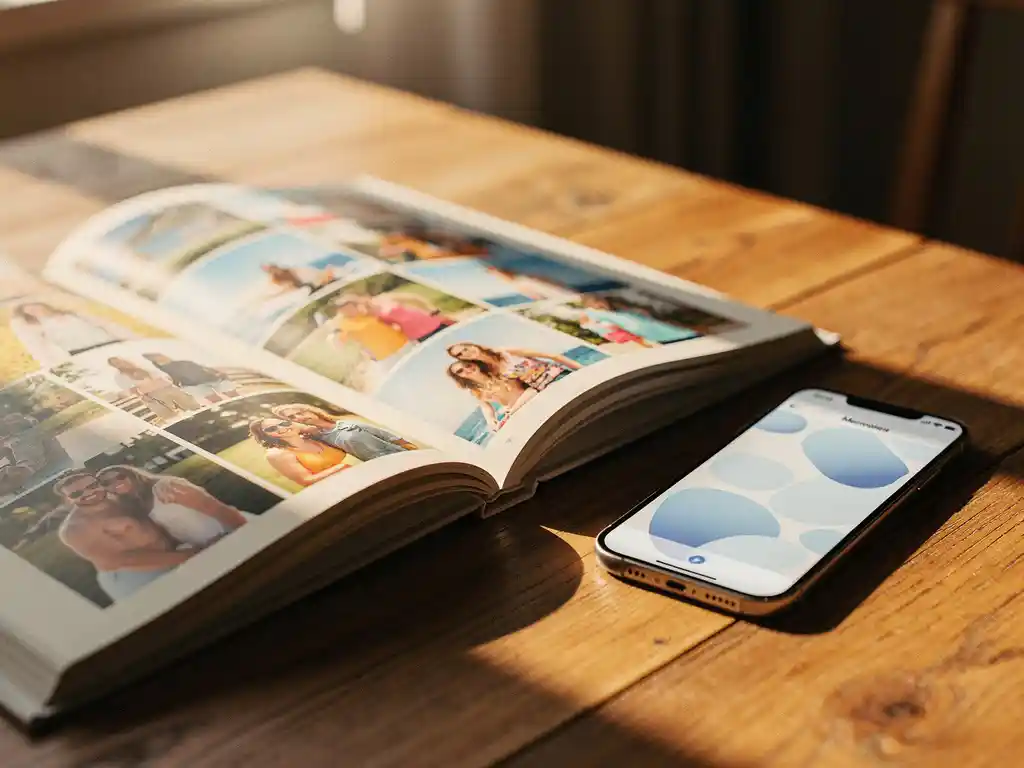
Yes, you can create a photo book directly from Facebook photos. Several services connect to your Facebook account and pull your photos automatically, allowing you to turn years of memories into a printed book without manually downloading or uploading a single image. The process is straightforward: you connect your account, choose a time period or album, and the platform handles the rest—selecting photos, arranging layouts, and preparing a print-ready book.
Your Facebook photos are sitting unused, and that is costing you real memories
Most people have hundreds, sometimes thousands, of photos stored on Facebook from holidays, birthdays, and everyday moments stretching back years. But stored is not the same as preserved. Social platforms change their algorithms, reduce image quality over time, and occasionally shut down features without warning. Photos that feel safely “saved” on Facebook are actually sitting in a format that is difficult to access, easy to scroll past, and impossible to hold in your hands. Printing them into a preserve your memories with instant photo books is the most reliable way to make those memories permanent and meaningful. The fix is simpler than most people expect: you do not need to download everything manually. The right tool connects directly to Facebook and does the heavy lifting for you.
Waiting to make a photo book means the emotional moment passes
There is a specific window after a holiday, a birthday, or the end of the year when you genuinely want to relive those moments. That feeling fades quickly. Within a few weeks, the photos get buried under newer ones, the motivation disappears, and the project never happens. This is why most photo books never get made, despite the intention being there. The solution is to reduce the effort required to act on that impulse. When creating a photo book takes under a minute rather than an afternoon, you can act on the feeling before it passes. Speed is not just a convenience feature; it is what actually gets the book made.
Can you make a photo book directly from Facebook?
Yes, you can make a photo book directly from Facebook by connecting your account to a photo book service that supports Facebook as a source. Once connected, the platform can access your photos and albums without you needing to download anything. You choose a date range or album, and the service builds the book automatically.
This works because most photo book platforms use Facebook’s API to request access to your photos. You grant permission, select what you want included, and the platform imports the images on your behalf. The key advantage is that photos stay in their original quality and come with metadata such as dates and captions, which makes it easier to organise them chronologically.
Not all photo book services offer Facebook integration, so it is worth checking before you sign up. The ones that do typically make the connection process quick: log in with Facebook, grant access, and your albums become available immediately within the platform.
How does a Facebook photo book actually get made?
A Facebook photo book is made by connecting your Facebook account to a photo book platform, selecting a time period or album, and letting the platform’s software automatically select, arrange, and lay out your photos into a print-ready book. The entire process, from connection to preview, typically takes just a few minutes.
Here is how the process works step by step:
- Connect your Facebook account to the photo book platform by logging in through the app or website.
- Grant the platform permission to access your photos and albums.
- Choose a date range, a specific album, or a location to define which photos are included.
- The platform’s software analyses the photos, removes duplicates and low-quality images, and selects the best shots.
- The selected photos are automatically arranged into a layout across the book’s pages.
- You review the result, make any adjustments you want, and then place your order.
- The book is printed and shipped to your door.
The most important step is the automatic curation. A good platform does not just import everything—it filters out blurry shots, duplicate angles, and screenshots, so the finished book contains only the photos worth keeping. This is what separates a quality result from a cluttered one.
What photos from Facebook can you include in a photo book?
You can include photos from your personal Facebook timeline, albums you have created, photos you have been tagged in (depending on platform permissions), and photos from private albums. The exact selection depends on which permissions you grant the photo book platform and what Facebook’s API allows at the time.
In practice, most platforms can access any photo you have uploaded directly to Facebook, as well as photos organised into albums. Photos from Facebook groups or pages you manage may or may not be accessible, depending on the platform.
One thing worth knowing: Facebook compresses images when you upload them, which can affect print quality for very large book sizes. For standard photo book formats, the quality is typically fine. If you want the sharpest possible prints, using the original photos from your phone’s camera roll alongside—or instead of—Facebook photos will give you better results at larger sizes.
Which is better: Facebook photos or phone photos for a photo book?
Phone photos are generally better for print quality because they retain their original resolution. Facebook compresses images during upload, which reduces file size and can soften fine details. For most standard photo book sizes, Facebook photos print well, but for larger formats or close-up detail, original phone photos produce noticeably sharper results.
Beyond quality, the choice also comes down to where your photos are. If your memories from a particular period live mostly on Facebook because that is where you shared them at the time, using Facebook as your source makes sense. If your recent photos are primarily on your phone, pulling directly from your camera roll gives you both better quality and a wider selection.
There is also a coverage difference. Facebook photos tend to be the moments you chose to share publicly or with friends. Your phone’s camera roll contains everything, including the quieter, more personal moments you never posted. For a photo book meant to capture the full picture of a period or event, the camera roll is usually the richer source.
How long does it take to create a photo book from Facebook?
Creating a photo book from Facebook photos takes between one and five minutes from start to order, depending on the platform and how many adjustments you make. Connecting your account, selecting a time period, and generating a layout typically happens in under 60 seconds. Reviewing and customising the result adds a few minutes if you choose to do it.
The biggest time variable is how much you want to personalise the book after the initial layout is generated. If you approve the automatic result as-is, the process is extremely fast. If you want to swap certain photos, reorder pages, or add captions, expect to spend more time, though this is still far quicker than building a photo book manually from scratch.
Delivery time is separate and depends on your location and the printing service. Most platforms ship within one to two weeks, with expedited options available if you need the book sooner.
What’s the best app to turn Facebook photos into a photo book?
The best app for turning Facebook photos into a photo book is one that connects directly to Facebook, automatically curates your photos rather than importing everything, and produces a print-ready layout without requiring manual design work. The platform should handle duplicate removal, quality filtering, and layout automatically so you are not doing the work yourself.
When evaluating options, look for these features:
- Direct Facebook integration with a simple login connection
- Automatic photo selection and duplicate removal
- AI-powered layout for photo books that arranges photos without manual placement
- A preview you can review before ordering
- Reliable print quality and international shipping
- Strong customer reviews from verified buyers
The difference between platforms is most visible in the curation step. Some tools import every photo you have and leave the selection to you. Others use intelligent filtering to pick the best shots automatically. For a genuinely effortless experience, the second approach saves significantly more time and produces a better result.
How PastBook turns your Facebook photos into a printed photo book
We built PastBook specifically to make this process as effortless as possible. Here is what happens when you use our platform:
- Connect your Facebook account and choose a date range, album, or location—we do the rest.
- Our AI automatically selects the best photos, removes duplicates and low-quality images, and arranges them into a beautifully designed layout.
- A print-ready preview is ready in under 60 seconds—no blank pages, no manual layout work, no design skills needed.
- Customise if you want to—swap photos, adjust pages, or leave it exactly as the AI arranged it.
- Order and receive your book—printed and shipped worldwide through our global printing network.
We also support photos from your phone’s camera roll, Google Drive, Instagram, and Dropbox—so if your memories are spread across platforms, you can pull them all together into one book. With over 35,000 reviews on Trustpilot and a 4.8 rating on Google, we have helped people turn years of scattered photos into something they can actually hold. Ready to create yours? Start your photo book today and have a preview ready in under a minute.