










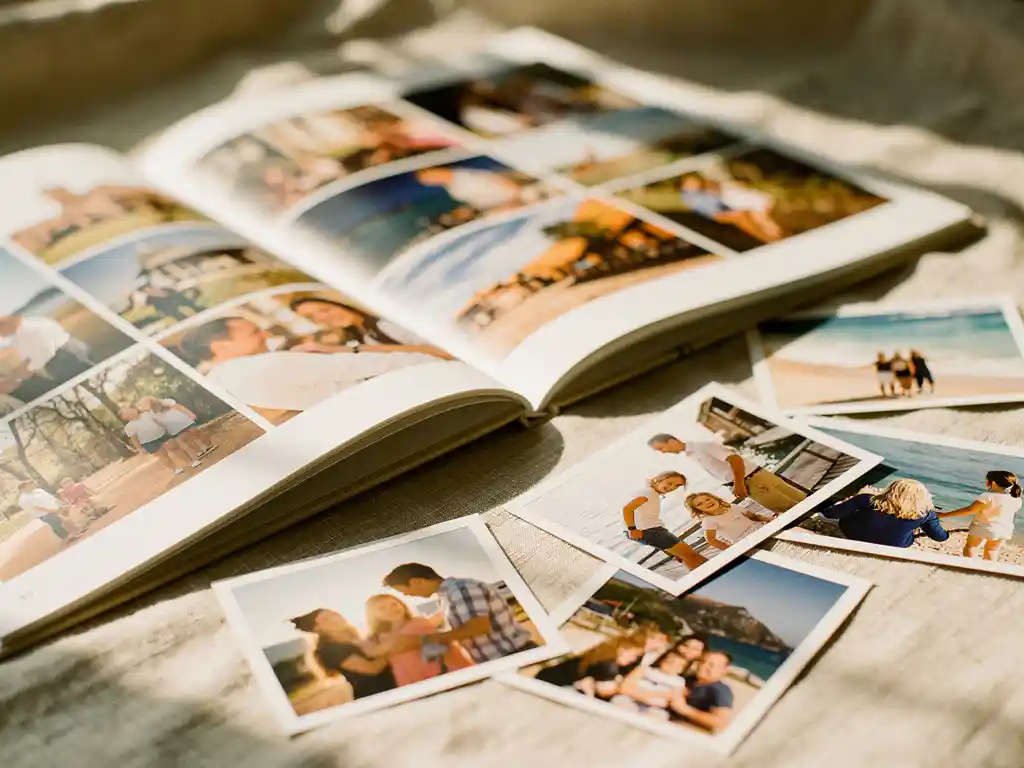
The best app to create a photo book in 2026 is one that does the heavy lifting for you. With AI-powered tools now capable of scanning your camera roll, detecting trips and moments, removing duplicates, and arranging layouts automatically, you no longer need design skills or hours of free time. The best photo book apps let you go from scattered phone photos to a print-ready book in under a minute, with minimal decisions required on your end.
Your phone is full of photos you’ll never actually do anything with
The average smartphone user accumulates thousands of photos every year, most of which sit untouched in a camera roll that grows faster than anyone can manage. The problem is not that people don’t care about their memories. It’s that sorting, selecting, and organising photos feels like a project that requires a free afternoon that never arrives. The fix is not discipline or a better filing system. It’s an app that removes the decision-making entirely by doing the curation for you automatically the moment you open it.
Waiting for the “right time” to make a photo book means it never gets made
Most people intend to create a photo book from a holiday, a birthday, or a year of family moments. But the longer you wait after an event, the harder it becomes. The emotional urgency fades, the photos blur together, and the task feels bigger than it actually is. The most effective approach is to use an app that can detect the trip or event from your photo metadata and build a draft automatically, so the barrier to starting is as close to zero as possible.
What makes a great photo book app in 2026?
A great photo book app in 2026 combines AI-powered photo selection, automatic layout generation, and direct print ordering in one place. The best apps require minimal manual input, work directly from your camera roll or cloud storage, and produce a print-ready result quickly. The quality of the printed product and ease of customisation matter, too.
Speed is the most important differentiator. Apps that still require you to manually select every photo, drag images into templates, or make design decisions one page at a time haven’t meaningfully improved on what you could do in a browser ten years ago. The standard in 2026 is AI that analyses your photos, picks the best ones, removes near-duplicates and blurry shots, and builds a complete layout without asking you for anything beyond a date range or album.
Print quality and delivery reliability are the other side of the equation. An app is only as good as the physical product it produces. Look for apps connected to professional printing networks that ship internationally, offer multiple size options, and have a track record of consistent results.
How does an AI photo book app actually work?
An AI photo book app works by scanning your photo library, analysing each image for quality and content, grouping photos by date or location using metadata, removing duplicates and low-quality shots, and then arranging the selected photos into a designed layout automatically. The entire process typically takes under a minute.
The AI layer is doing several things at once. It reads the metadata attached to each photo, including timestamps and GPS coordinates, to identify distinct trips or events. It then evaluates image quality by looking at factors like sharpness, exposure, and composition to prioritise the best versions of similar shots. When you’ve taken fifteen nearly identical photos of the same moment, the app selects the strongest one and discards the rest.
Once the selection is made, the layout engine arranges photos across pages in a way that balances visual variety and flow. Most apps allow you to review the result and swap individual photos or adjust pages before ordering. The key point is that you’re editing a finished draft rather than building from a blank canvas, which is a fundamentally different and much faster experience.
Which photo book app is the fastest to use?
The fastest photo book apps can produce a complete, print-ready book from your camera roll in under 60 seconds. Apps that use fully automatic AI curation, where you select a date range or trip and the app handles everything else, are consistently faster than those that require manual photo selection or layout decisions.
Speed comes down to how much the app automates versus how much it asks you to do. Some apps offer templates and drag-and-drop tools, which gives you control but adds significant time. Others start with a finished product and let you make adjustments, which is much faster for most users who want a good result without spending an evening on it.
For gifting or capturing a recent trip before the feeling fades, the fastest apps are the most practical choice. The difference between a 60-second draft and a two-hour manual project is often the difference between a photo book that gets ordered and one that stays on a to-do list indefinitely.
What photo sources can you import into a photo book app?
Most photo book apps in 2026 support importing from your device’s camera roll, Google Drive, Dropbox, and sometimes directly from social platforms. The most flexible apps allow you to combine photos from multiple sources into a single book, which is useful for group events where different people took photos.
Camera roll access is the most common and practical source, since most people’s recent photos live on their phone. Cloud storage integrations like Google Drive and Dropbox are useful for older photos or images taken on a dedicated camera and transferred later. Some apps also support collaborative albums, where multiple people can contribute their photos to a shared project, which works well for group gifts or family events.
When choosing an app, check which import sources it supports before committing. If your photos are spread across different platforms or devices, an app that only reads your camera roll will leave gaps in your collection.
Are photo book apps worth it as a gift?
Yes, photo book apps are genuinely effective for gifting. A printed photo book is a personalised, tangible gift that carries significant emotional weight. With AI-powered apps, the time investment is minimal while the perceived effort is high, which makes them one of the most efficient gift options available for birthdays, anniversaries, holidays, and milestones.
The emotional impact of a photo book as a gift comes from the fact that it is specific to the recipient. It contains real moments, real people, and a physical record of shared experiences. That specificity is what separates it from generic gifts, and it’s why photo books consistently land well regardless of the occasion.
The practical advantage of using an app rather than a desktop service is that most people have all the relevant photos already on their phone. A gift that would have taken hours to put together manually can be created in minutes when the app handles curation and layout automatically. For partners, parents, or close friends, this makes a meaningful gift accessible even when time is short.
How do you choose the best photo book app for your needs?
Choose a photo book app based on four factors: how much automation it offers, which photo sources it supports, the quality of the printed product, and how much control you want over the final result. If speed and ease matter most, prioritise fully automatic AI apps. If you want precise control over every page, look for apps with manual layout tools.
Start by thinking about how you’ll use it most. If you want to preserve your memories with instant photo books from a recent trip or a year of family photos with minimal effort, an AI-first app that builds a complete draft automatically is the right fit. If you enjoy the process of designing and want to control every detail, a more manual tool will suit you better, though it will take significantly longer.
Consider the end product as well. Read reviews specifically about print quality, paper weight, and delivery times rather than just the app experience. An app can be fast and easy to use but still produce a disappointing physical book. The best apps connect to professional printing networks and offer clear previews before you order.
- Automation level: Does the app build a complete draft automatically, or does it require manual selection and layout work?
- Photo sources: Can it access your camera roll, cloud storage, and shared albums?
- Customisation: Can you swap photos, adjust layouts, and preview before ordering?
- Print quality: What do verified customer reviews say about the physical product?
- Delivery: Does it ship to your location and within a timeframe that works for your needs?
How PastBook makes it easy to create a photo book
We built PastBook specifically to solve the problem of photos that never become anything. Our photo book app for iOS and Android turns your camera roll into a professionally printed photo book in under 60 seconds, with no manual selection or design work required. Here’s what the process looks like:
- Automatic trip and moment detection: Our AI scans your camera roll, identifies trips and events using photo metadata, and offers to build a book from those photos in one tap.
- Smart curation: The app selects the best shots, removes duplicates and blurry images, and arranges them into a complete layout automatically.
- Multiple import options: You can build a book by date range, location, album, or manual selection, depending on how much control you want.
- Collaborative albums: Invite friends or family to contribute their photos to a shared book, which is ideal for group gifts or events where multiple people were taking pictures.
- Worldwide delivery: Orders are printed and shipped globally through our international printing network.
Whether you want to preserve a recent holiday, document a year of family milestones, or create a meaningful gift without spending hours on it, PastBook gives you a print-ready result in the time it takes to make a coffee. Create your photo book with PastBook and see a free preview in under a minute.