



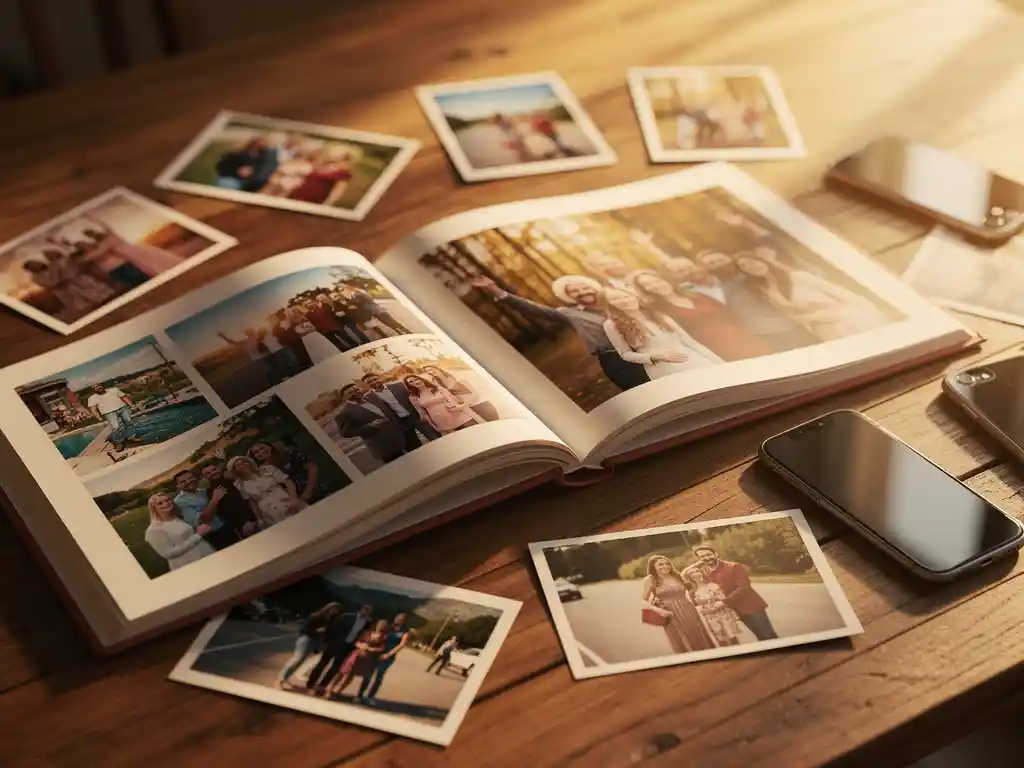
Yes, you can create a photo book from multiple people’s photos. The easiest way is with the PastBook app, where our Contribution feature lets friends and family add their photos to the same book. Once everyone’s photos are in one place, you can lay out the book and have it printed. This makes group photo books a natural fit for shared events like weddings, family reunions, or group holidays.
Des photos éparpillées sur différents téléphones tuent les souvenirs de votre groupe
After every group event, the same thing happens. Dozens of great photos end up spread across five different phones, and nobody ever sees most of them. You have your shots, someone else captured the best candid moments, and another friend got the only decent group photo. Without a way to bring those images together, most of them disappear into camera rolls and are never seen again. The fix is simple: pick one shared space where everyone adds their photos before the event fades from memory. A collaborative book, where each person adds their own photos, solves this right away.
Attendre que tout le monde envoie ses photos est ce qui empêche les albums photo de groupe d'être jamais réalisés.
The idea of making a group photo book almost always sounds great right after the event. Then the coordination begins. You chase people on WhatsApp, wait for someone to finally send their photos, and deal with files that are too large to share. By the time everything arrives, the motivation is gone. This is why most group photo books never get made. The idea isn’t the problem. The collection process is simply too slow and too manual. The solution is to let contributors add their own photos directly, rather than sending everything through one person. When the friction disappears from the collection step, the book actually gets finished.
Pouvez-vous créer un livre photo en utilisant les photos de plusieurs personnes ?
Yes, you can. With the Application PastBook, you can invite friends and family to contribute photos to the same book. Once the photos are in, the app lays them out into a book. You can then review it, make changes, and order a printed copy.
This is especially helpful for events where different people captured different moments. A wedding, for example, might include photos from the couple, family members, and friends. A group holiday produces shots from everyone on the trip. Pulling all of those images together into one album photo imprimé creates something far richer than any single person’s camera roll could.
The key is making it easy to contribute. If contributors face a long setup or a complicated process, most of them won’t bother. Keep your invitation simple and let people know exactly what you need from them.
Comment collecter des photos de plusieurs personnes pour un album photo ?
The simplest way is to use the Contribution feature in the PastBook app. Friends and family add their photos to the same book, so you don’t have to chase anyone for files.
Other common methods include a group chat where everyone sends their best shots. This can work, but it adds extra steps. You still have to gather everything and sort through it yourself.
Quelle que soit la méthode utilisée, il est utile de fixer une date limite claire pour les contributions. Les demandes ouvertes ont tendance à s'éterniser. Dites aux gens qu'ils ont une semaine pour ajouter leurs photos, et la plupart le feront. Sans date limite, cela devient l'une de ces choses que tout le monde a l'intention de faire mais ne parvient jamais tout à fait à réaliser.
Quelle est la meilleure application pour créer un album photo de groupe ?
The best app for a group photo book makes it easy for everyone to contribute and easy for you to put the book together. You want contributors to be able to add photos with little effort. You also want to stay in control of the finished book, with simple tools to adjust it.
When choosing an app, look for these features:
- A way for friends and family to contribute photos to the same book
- An automatic layout, so you are not placing every image by hand
- Easy editing, so you can swap or add photos, remove pages, change the cover, and add captions before ordering
- Direct ordering from within the application de création de livre photo, with printing by a local partner and delivery to your door
An automatic layout is especially helpful for group books, because the number of photos from several contributors can quickly become overwhelming to arrange by hand.
Qui devrait être chargé de créer le livre de photos de groupe ?
One person should take ownership of the group photo book from start to finish. This is usually the person who organized the event, the most motivated person in the group, or whoever is giving the book as a gift. Shared responsibility rarely works in practice and often means the book never gets made.
That one person does not have to take every photo themselves. Their job is to start the book, invite everyone to contribute, set a deadline, and then finalize the book once the photos are in. The app handles the layout, so you can focus on choosing the photos that matter most.
For gifts, the person making the book is often keeping it a surprise. In that case, you might invite only a few trusted contributors who can be discreet, rather than sharing the invitation with the entire group.
Les albums photo de groupe sont parfaits pour quelles occasions ?
Group photo books work best for shared experiences where several people were present and capturing moments. Weddings, milestone birthdays, group holidays, family reunions, and end-of-year celebrations are the most common occasions. Everyone has photos worth including, and the finished book means something to everyone involved.
Certains des cas d'utilisation les plus populaires comprennent :
- Mariages : Les invités capturent des moments spontanés que le photographe officiel manque. Un livre collaboratif d'amis et de famille aux côtés des propres photos du couple raconte une histoire plus complète.
- Vacances de groupe : Différentes personnes photographient différents moments. L'une capture les paysages, une autre les repas, et une troisième les photos de groupe. Ensemble, ils créent un compte-rendu complet du voyage.
- Anniversaires importants et anniversaires : Friends and family contributing their favorite memories of the person being celebrated makes for a deeply personal gift.
- Baby showers et nouvelles naissances : Les membres de la famille de différents foyers ont chacun leurs propres photos des premiers mois. Un livre commun est un souvenir significatif.
- Écoles et événements sportifs : Les parents présents aux mêmes événements capturent souvent des moments différents. Un livre partagé à la fin de la saison ou de l'année scolaire fonctionne bien comme cadeau de groupe pour un entraîneur ou un enseignant.
Comment créer un livre photo de groupe sans tracas ?
The simplest way is to use an app that helps with photo collection and layout. You invite contributors, they add their photos, and the app lays the book out for you. Your job is to review the result, make any changes you like, and place the order.
The steps that cause the most frustration are collecting photos from several people, sorting through the pile, and arranging everything into a layout. An app that handles the layout and lets friends and family contribute directly can cut the process from hours to minutes.
Quelques conseils pratiques pour faciliter le processus :
- Set a firm deadline for contributions and share it clearly when you send the invitation.
- Take a quick look through the photos before you order. You can swap or add photos, remove pages, and add captions.
- Order early if the book is a gift. We recommend ordering at least two weeks before you need it, and group books often take longer to finalize because you are waiting on contributors.
- Gardez la liste des contributeurs gérable. Plus il y a de contributeurs, plus il y a de photos, ce qui peut être écrasant. Dix à quinze personnes suffisent généralement.
Comment PastBook rend la création d'un album photo de groupe sans effort
We built PastBook to take the stress out of making photo books, including group photo books. Our Contribution feature lets friends and family add their photos to the same book in the PastBook app. Once the photos are in, the app lays them out into a book for you. You stay in control, and you can swap or add photos, remove pages, change the cover, and add captions before you order.
- Fonctionnalité de contribution : Friends and family can add their own photos to the same book
- Automatic layout: The app lays your selected photos out into a book, with no design skills needed
- Easy changes: Swap or add photos, remove pages, change the cover, and add captions before ordering
- Hardcover printing and delivery: Your book is printed by a local printing partner and shipped to you
- Disponible sur iOS et Android : Use the app with the photos on your phone
Whether you are preserving a group holiday, putting together a meaningful birthday gift, or capturing a family reunion from every angle, we make it simple to create a photo book from multiple people’s photos. Download the Application PastBook and start your group photo book today.
Articles connexes
- What are the best gifts for a first Thanksgiving in a new home?
- How do you identify birds you have never seen before?
- Comment transformer un voyage unique en souvenir impérissable ?
- Quelle est la meilleure façon de revivre des vacances ?
- Comment le voyage modifie-t-il la façon dont on se souvient des lieux ?