



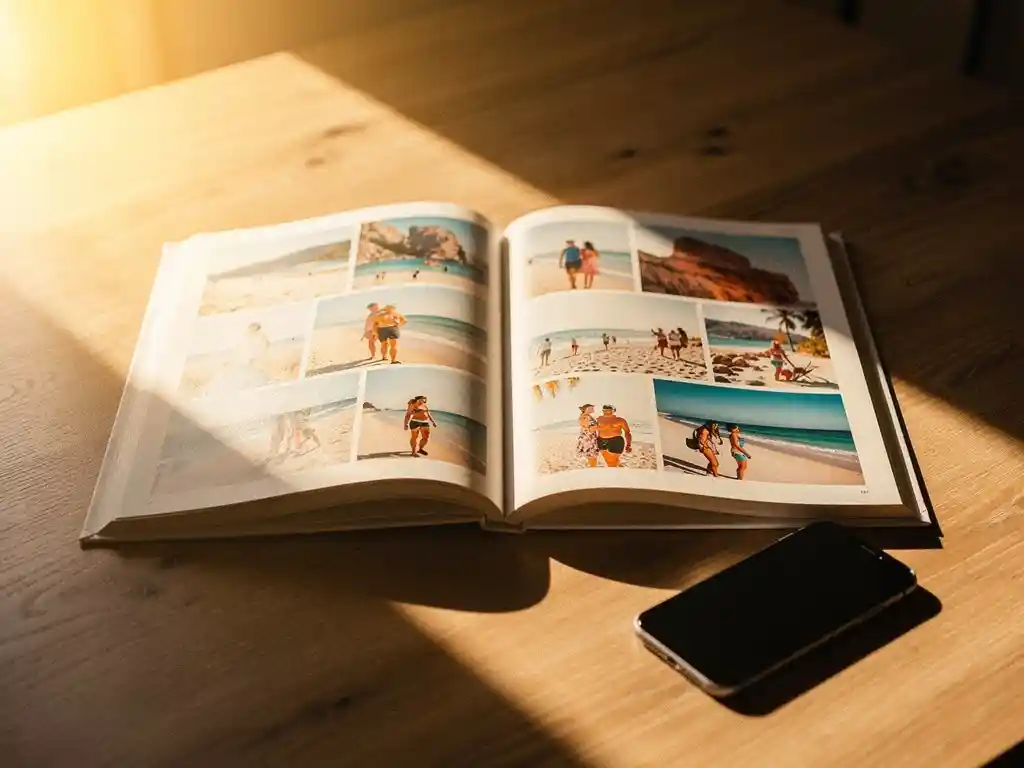
De beste manier om vakantiefoto's met familie te delen is door een betrouwbare methode voor het delen in de cloud te combineren met een afgedrukt fotoalbum als blijvend aandenken. Digitaal delen zorgt ervoor dat iedereen je foto's snel te zien krijgt, maar een fysiek fotoalbum is wat die herinneringen daadwerkelijk jarenlang levend houdt. De onderstaande secties bespreken de meest praktische opties en hoe je hierin een keuze maakt.
Welke methode voor het delen van foto's houdt herinneringen werkelijk levend?
De methodes die vakantieherinneringen het langst levend houden, zijn degene die ervoor zorgen dat foto's gemakkelijk opnieuw te bekijken zijn, en niet alleen gemakkelijk te verzenden. Een bijlage in een groepschat wordt binnen enkele minuten voorbijgescrolld, terwijl een speciaal gedeeld album of een afgedrukt fotoboek iets creëert waar mensen naar terugkeren. Het formaat doet er net zo toe als de foto's zelf.
Digital sharing is fast and convenient, but it relies on people actively seeking out the images again. Photos stored in messaging apps or camera rolls are rarely viewed after the first few days. Shared albums on platforms like Google Photos or iCloud give memories a more permanent home, but they still compete with every other notification on a phone screen.
A printed photo book, by contrast, sits on a shelf, gets pulled out at family gatherings, and gets handed to grandparents who may not use smartphones at all. It turns a collection of images into a story worth telling again and again. If you have ever come home from a trip and felt the holiday glow fade faster than you expected, a physical keepsake is a lovely way to hold onto it.
Wat zijn de populairste apps om vakantiefoto's te delen met familie?
The most popular apps for sharing vacation photos with family are Google Photos, iCloud Shared Albums, and WhatsApp, each suited to slightly different needs. Google Photos offers generous storage and works across all devices. iCloud Shared Albums work seamlessly within the Apple ecosystem. WhatsApp is the easiest for immediate sharing but the weakest for long-term organization.
Google Foto's
Google Photos allows you to create shared albums that any family member can view, add to, or comment on. It works on both Android and iOS, which makes it one of the most universally accessible options. The search function is powerful enough to find photos by location, date, or even the people in them, which is very useful when you are looking back at a trip taken two years ago.
Gedeelde iCloud-albums
iCloud Gedeelde Albums zijn ideaal wanneer iedereen in het gezin een iPhone of iPad gebruikt. Je kunt gezinsleden uitnodigen om hun eigen foto's van dezelfde reis toe te voegen, wat betekent dat je hoeken en momenten vastlegt die je zelf hebt gemist. De beperking is dat Android-gebruikers grotendeels worden uitgesloten, waardoor het een slechte keuze is voor gezinnen met verschillende apparaten.
Hoe deel je foto's wanneer familielid verschillende apparaten gebruiken?
When family members use different devices, the most reliable solution is a platform-agnostic service that works through a web browser or has apps for both iOS and Android. Google Photos and Dropbox are strong choices here because they do not require everyone to use the same operating system or manufacturer.
Een gedeeld Google Fotos-album is toegankelijk via een link, wat betekent dat zelfs familieleden die geen Google-account hebben de foto's in een browser kunnen bekijken. Dropbox werkt vergelijkbaar, met gedeelde maplinks die iedereen kan openen zonder een app te downloaden. Voor families waarvan sommige leden minder handig zijn met technologie, is een eenvoudige gedeelde link die via e-mail of sms wordt verstuurd vaak de meest praktische aanpak.
It is also worth noting that a shared photo book solves this problem in a different way. With our PastBook app, the Contribution feature lets friends and family add photos to the same book, so everyone’s shots end up in one place.
Moet je vakantiefoto's online delen of als een afgedrukt fotoboek?
Je moet beide doen, maar voor verschillende doeleinden. Online delen is het beste voor onmiddellijke verspreiding en ontspannen bladeren. Een afgedrukt fotoboek is de betere keuze wanneer het doel is om de reis te bewaren als een betekenisvolle, blijvende herinnering of om te schenken als een fotoboek cadeau aan iemand die deel uitmaakte van de reis.
Digital albums are free, instant, and easy to update. They are ideal for sharing hundreds of photos quickly after you land. But the sheer volume of images in a digital album can work against the memory. When everything is saved, nothing feels curated or special.
A printed photo book invites a kind of editing that digital sharing does not. The best images are selected, arranged in sequence, and presented in a way that tells the story of the trip from beginning to end. For families who want to look back on a holiday together, a printed book is a more onvergetelijk cadeau and a more lasting record.
Hoe kun je vakantiefoto's omzetten in een gezamenlijk familie-fotoboek?
You can turn vacation photos into a shared family photo book with the PastBook app. You choose the photos from your phone, and the app helps you find them by trip, date range, location, or album. Then it lays them out into a book for you. You stay in control of which photos go in.
The key steps are simple:
- Open the PastBook app and choose the photos from your trip, or let the app help you find them by date range, location, or album
- Use the Contribution feature to invite family members to add their own photos to the same book
- Let the app lay your selected photos out into a book
- Change anything you like: swap or add photos, remove pages, change the cover, and add captions
- Order your hardcover photo book, which is printed by a local printing partner and shipped to you
The Contribution feature is especially valuable for family trips where different people captured different moments. A photo of the group at dinner, a candid shot taken by a sibling, a landscape photo from an early morning walk – these all come together in a single book that reflects the whole trip rather than just one person’s perspective. The result is something far richer than any single camera roll could produce on its own.
Hoe PastBook u helpt vakantieherinneringen te bewaren
We built PastBook to help you rediscover the moments from your trips and keep them safe, instead of leaving them buried on your phone. You can turn your vacation photos into a finished hardcover photo book in minutes, with no design skills needed. No blank pages, no complicated layout work.
Here is what makes PastBook a simple way to turn a holiday into a lasting keepsake:
- Your phone photos: Pick photos from your phone’s camera roll on iOS or Android, and let the app help you find them by trip, date range, location, or album
- You stay in control: Before you order, you can swap or add photos, remove pages, change the cover, and add captions
- Bijdragefunctie: Invite family members to add their photos so the finished book captures everyone’s view of the trip
- Quality hardcover books: Our landscape hardcover books are made with FSC-certified paper and recyclable packaging, and they are printed by a local printing partner and shipped to you
- Gifting made easy: A book of vakantieherinneringen is a gift that people treasure
Ready to turn your last trip into something you will love looking at again? Create your photo book with the PastBook-app today and go from camera roll to printed keepsake in minutes.